
zbyld scan
Android · FreeTurns paper into PDFs and reads any PDF on your phone. No account, no ads and no tutorial: open the app, tap Scan, and you're going.
What it does
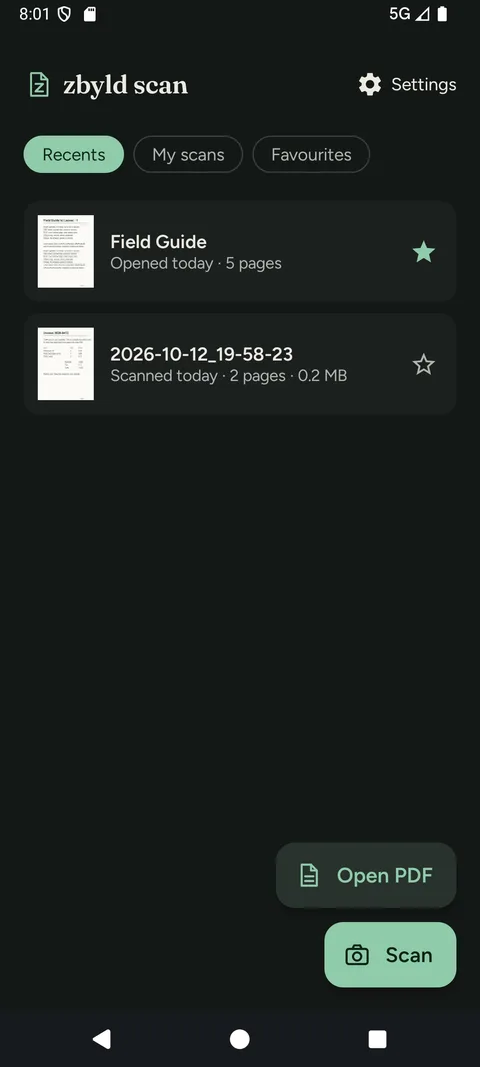
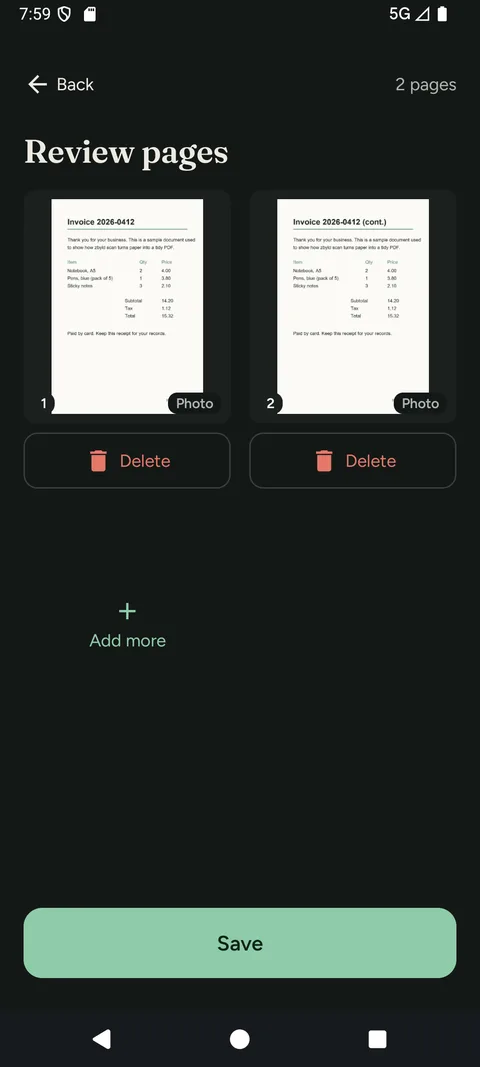
- One tap to scan. The Scan button is always on the home screen. Scan each page with Google ML Kit's document scanner, which can detect page edges, crop, rotate and adjust. Review your pages, reorder them, and save one PDF.
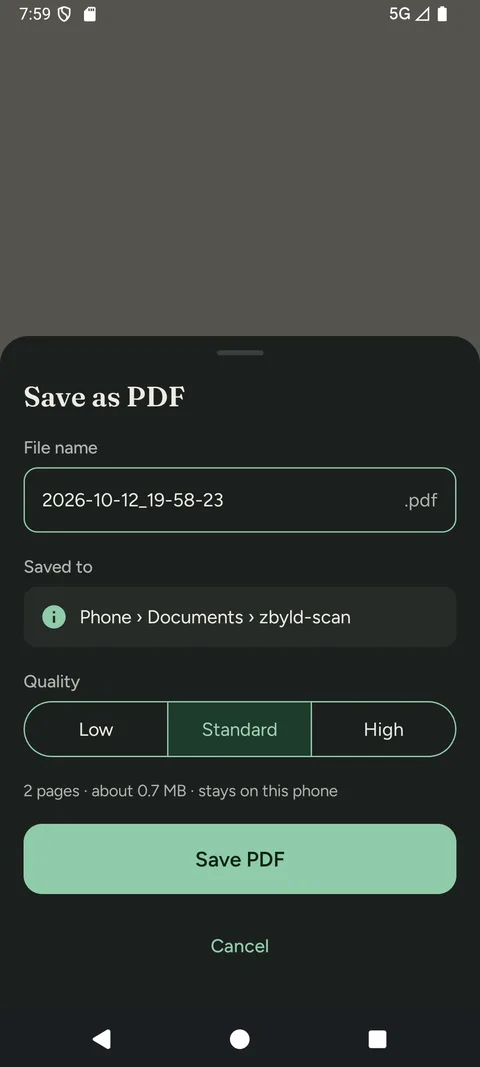
- Save as PDF in Low, Standard or High quality, with the estimated file size shown before you save.
- Add pictures you already have from your gallery inside the scanner. The app only sees the pictures you choose.
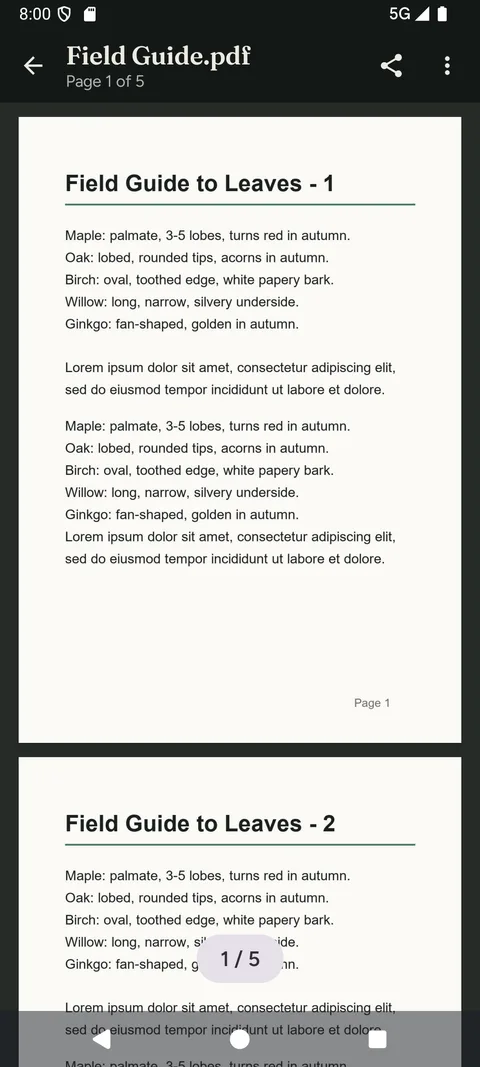
- Read any PDF. Open files from inside the app or from another app via “Open with”. Scroll continuously or flip one page at a time, pinch to zoom, and jump to any page.
- Remembers your place. For each file, the page you were on and your view mode.
- Recents, My scans and Favourites. Star the files you come back to.
- Share through the standard Android share sheet, only when you choose to.
- Password-protected PDFs are supported on recent Android versions. The password is never stored.
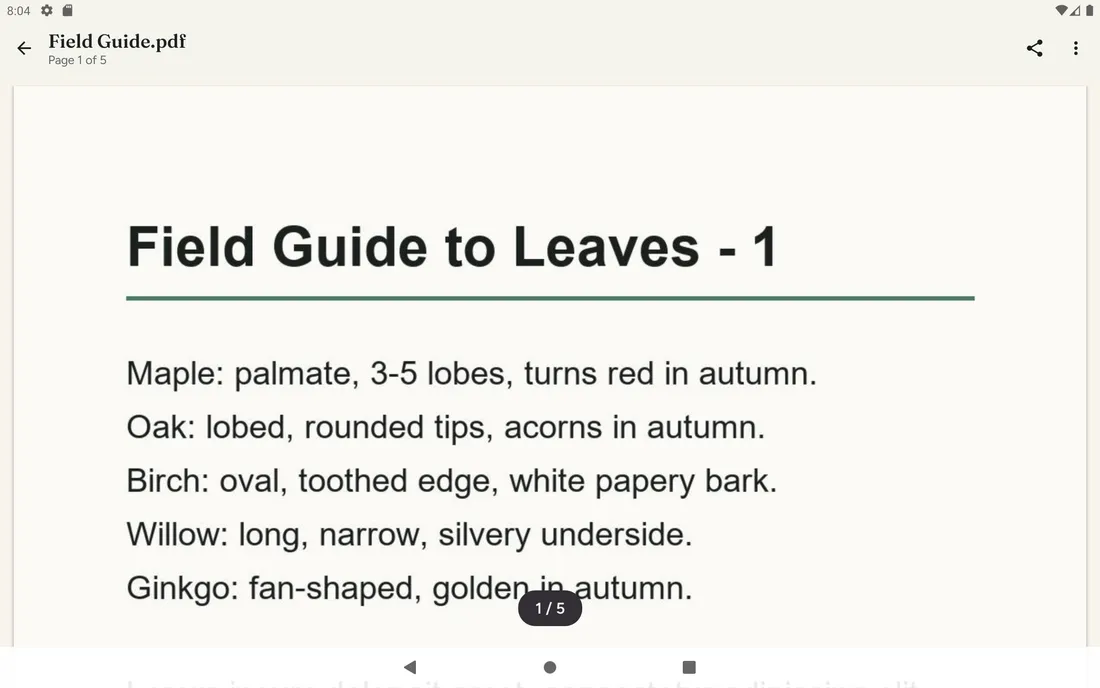
- Phones and tablets, in light or dark, following your phone's setting.
Privacy at a glance
- No account, no ads, no tracking of your documents or how you use the app.
- Scans are saved on your phone in Documents › zbyld-scan and only leave it when you share them.
- PDFs you open stay where they are. The app never copies them.
- No camera permission and no storage permission: scanning runs in Google ML Kit's scanner, which has its own camera screen.
- Scanning uses Google ML Kit; see Google's ML Kit data disclosure for how Google handles data.
- If the app crashes, anonymous crash diagnostics (never your documents) may be sent automatically so we can fix the bug.
On a tablet
Requires Android 10 or later. The scanner needs Google Play services and may need an internet connection the first time it's used. Opening password-protected PDFs needs Android 15, or Android 11–14 with the latest system PDF extension.
Help and support
New to the app? Read the step-by-step guide. Need help with zbyld scan? Email support@zbyld.com.